

Introduction
This guide will help you integrate and set up webhooks for inbound AI-powered calls. It explains how to configure webhook settings, set up an API receiver, and dynamically replace variables in AI-generated prompts.Prerequisites
Before you begin, make sure you have:- An account for your application.
- A valid URL to handle webhook calls.
Configure Webhook Settings
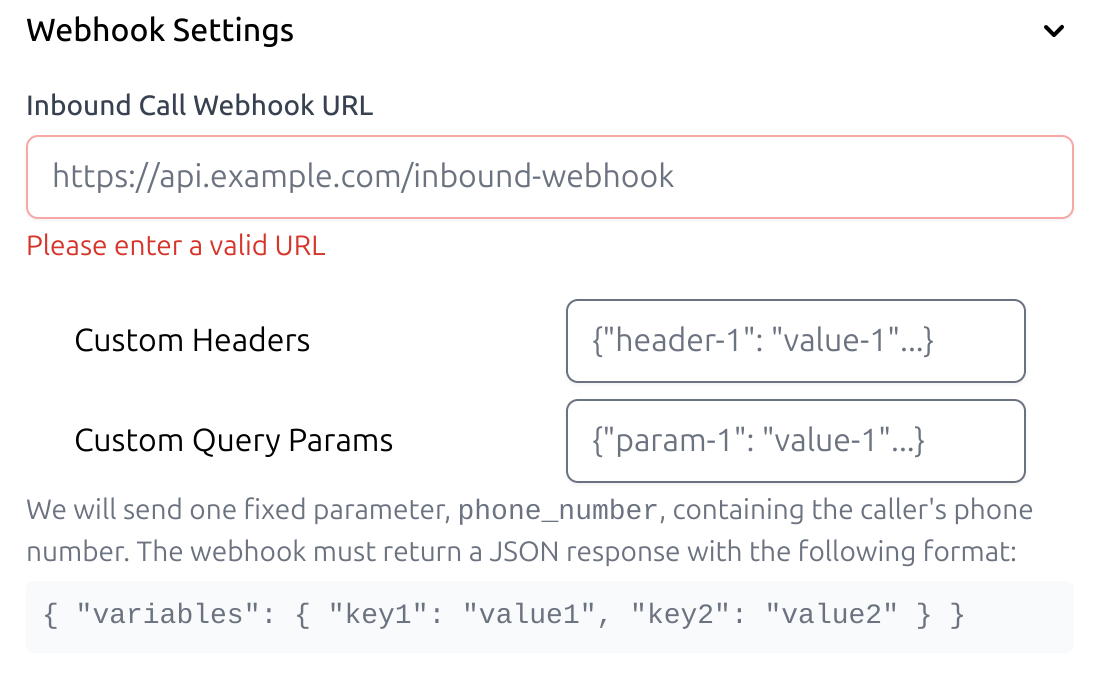
To get started, set up your webhook URL, headers, and query parameters.- Enter your webhook URL
- Add your API authentication details, such as bearer tokens or API keys.
- Include any dynamic parameters you wish to pass, such as customer_name and order_status.
Create an API Receiver
- Create an API endpoint to process incoming webhook requests.